I spent most of my twenties feeling like I was constantly running uphill, trying to manage a workload that never seemed to shrink. I used to think the problem was my willpower, but after a few years as a systems analyst, I realized the truth: it’s usually the friction in our environment. We try to force ourselves into high-performance modes while using tools that are clunky, distracting, or just plain broken. Finding the best productivity gadgets isn’t about buying every shiny new toy on the market; it’s about identifying the specific bottlenecks in your workflow and applying a little bit of tactical hardware to smooth them out.
In this guide, I’m stripping away the marketing fluff to share eight specific tools that have actually earned a permanent spot on my desk. I’m not interested in gimmicks that promise to change your life overnight; I’m interested in the small, reliable upgrades that eliminate the mental drag of your daily routine. From optimizing your physical workspace to mastering your digital focus, these eight items are the practical essentials I use to turn a chaotic workday into a streamlined, manageable process.
Table of Contents
- A Mechanical Keyboard That Doesn't Suck
- Noise-Canceling Headphones for Deep Work
- An Ultra-Wide Monitor to Kill the Tab-Switching Cycle
- A Smart Reusable Notebook
- Ergonomic Vertical Mouse
- A High-Quality USB-C Docking Station
- An Adjustable Standing Desk Converter
- Portable Power Bank with Fast Charging
- The Philosophy of the Setup
- Streamlining the Chaos
- Frequently Asked Questions
A Mechanical Keyboard That Doesn't Suck
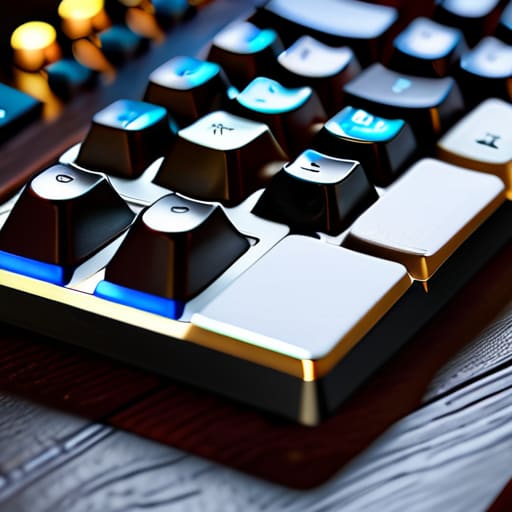
Most people settle for those mushy, membrane keyboards that come pre-installed on laptops or cheap office bundles. I spent years fighting through typing fatigue before I realized that the tactile feedback of a decent mechanical keyboard changes everything. It’s not about the “clicky” noise—though that can be satisfying—it’s about the precision and consistency of every single keystroke.
Noise-Canceling Headphones for Deep Work
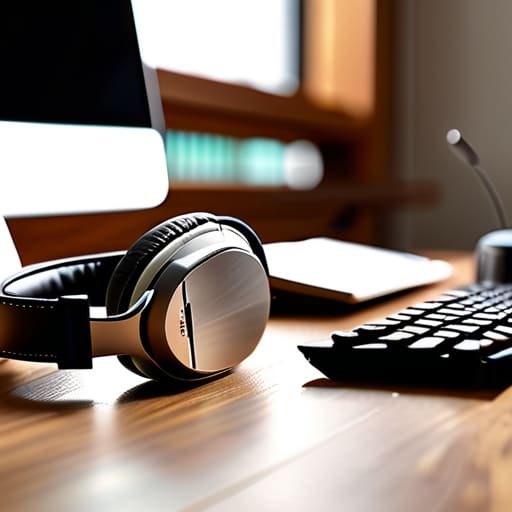
There is no faster way to ruin a productive afternoon than a neighbor starting a lawnmower or a coworker having a loud conversation three desks away. I used to try and power through the noise with sheer willpower, but that’s just a waste of mental energy. Once I integrated high-end noise-canceling headphones into my setup, my ability to enter a “deep work” state skyrocketed.
An Ultra-Wide Monitor to Kill the Tab-Switching Cycle
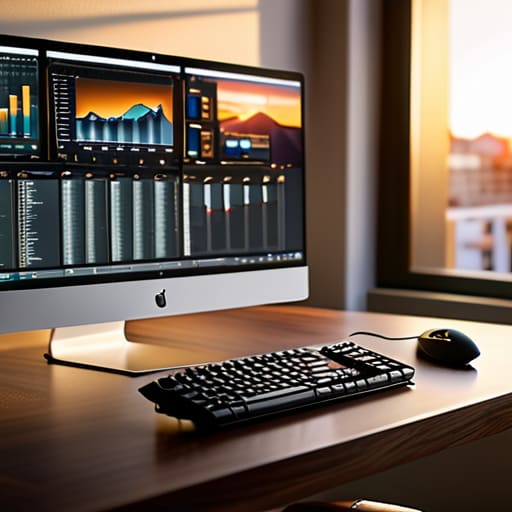
If you’re still working off a single 13-inch laptop screen or a cramped dual-monitor setup, you’re losing minutes every hour just by toggling between windows. I call this the “tab-switching tax.” Switching back and forth between a spreadsheet, a browser, and your communication tool creates these tiny micro-interruptions that eventually shatter your concentration.
A Smart Reusable Notebook

I’m a big believer in the analog brain, but I hate the clutter of physical notebooks that end up lost in a drawer. I used to have stacks of half-finished journals scattered around my house, which felt incredibly inefficient. Switching to a reusable smart notebook allowed me to keep the tactile satisfaction of handwriting while getting the benefits of a digital archive.
Ergonomic Vertical Mouse
We don’t talk enough about the physical toll that a standard mouse takes on your wrist. After a decade in systems analysis, I started feeling that dull ache in my forearm that signaled trouble. Switching to a vertical mouse felt weird for about three days, but once my hand settled into that natural handshake position, I couldn’t go back.
A High-Quality USB-C Docking Station
There is nothing more frustrating than arriving at your desk and spending ten minutes untangling a web of cables just to get your peripherals working. I used to have a “cable nest” under my desk that looked like a disaster zone. Now, I use a single, reliable USB-C dock that handles everything from my monitors to my external drives with one single plug.
An Adjustable Standing Desk Converter
Sitting for eight hours straight is a recipe for lethargy and a mid-afternoon brain fog that no amount of caffeine can fix. I don’t need a massive, expensive motorized desk to make a difference; even a solid standing desk converter does the trick. The goal isn’t to stand all day—that’s just as bad for you—but to change your posture periodically.
Portable Power Bank with Fast Charging
In a world where we rely entirely on mobile devices for everything from scheduling to communication, a dead battery is a legitimate productivity killer. I used to carry around those cheap, slow-charging bricks that took forever to do anything. Now, I only carry one: a high-capacity power bank that supports PD (Power Delivery) fast charging.
The Philosophy of the Setup
“The goal isn’t to build a high-tech fortress of distraction; it’s to find the few tools that actually remove the friction, so you can stop managing your gear and start doing the work that matters.”
Nathaniel 'Nate' Brooks
Streamlining the Chaos
At the end of the day, none of these gadgets are meant to be trophies for your desk or expensive distractions. Whether you’re investing in a high-quality mechanical keyboard to make your workflow feel more tactile, or setting up a dedicated noise-canceling setup to protect your focus, the goal is the same: reducing the friction between your intentions and your actions. We looked at tools that handle the heavy lifting—from managing your time more effectively to organizing your digital workspace—so you can stop fighting your environment and start actually getting things done. It’s about finding that specific intersection where utility meets comfort, ensuring your tech works for you rather than the other way around.
I’ve spent a lot of my career tweaking systems and testing gear, and if there is one thing I’ve learned, it’s that the best setup isn’t the most expensive one; it’s the one that disappears into the background. You want tools that feel like an extension of your own hands, allowing you to stay in the zone without constant interruptions. Don’t feel like you need to overhaul your entire life overnight. Just pick one small upgrade, integrate it into your routine, and see if it makes your day feel a little less like a battle. We aren’t aiming for a perfect, sterile workspace; we’re just aiming for a smoother way to live.
Frequently Asked Questions
Do I really need more gear, or should I just fix my current habits first?
Look, I get the temptation to buy your way out of a problem. I’ve definitely spent too many late nights thinking a new mechanical keyboard would solve my procrastination. But here’s the reality: gear is an accelerant, not a foundation. If your habits are chaotic, a new gadget just becomes another expensive distraction. Fix the system first. Once you have a routine that actually holds, then—and only then—should you look at gear to optimize it.
How do I avoid the trap of "productivity porn" where I spend more time setting up gadgets than actually working?
Look, I’ve been there. I used to spend entire weekends tweaking Notion databases and color-coding my calendar instead of actually hitting my deadlines. It feels like work, but it’s just procrastination in a fancy suit. My rule is simple: if a tool takes more than twenty minutes to configure, it’s a distraction, not a solution. Buy the gadget, set it up once, and then get back to the actual work. Optimization is the means, not the end.
Which of these tools are actually worth the investment versus just being expensive distractions?
Look, I’ve spent enough money on “game-changing” tech to know that most of it is just clutter. If a tool doesn’t solve a recurring friction point in your day—like a mechanical keyboard that actually stops your wrist fatigue or a noise-canceling headset that lets you focus in a loud house—it’s just an expensive distraction. Invest in the things that touch your hands or your ears every single hour. Everything else is just shiny junk.
How can I integrate these gadgets into my workflow without adding more digital clutter to my life?
The trick is to treat new gadgets like new code: if it doesn’t serve a specific function, it’s just bloat. Don’t just buy something because it looks cool on a desk setup. Before you integrate a new tool, ask if it actually replaces a manual friction point or just adds another notification to your life. If it doesn’t earn its place by saving you time or mental energy, keep it in the box.


