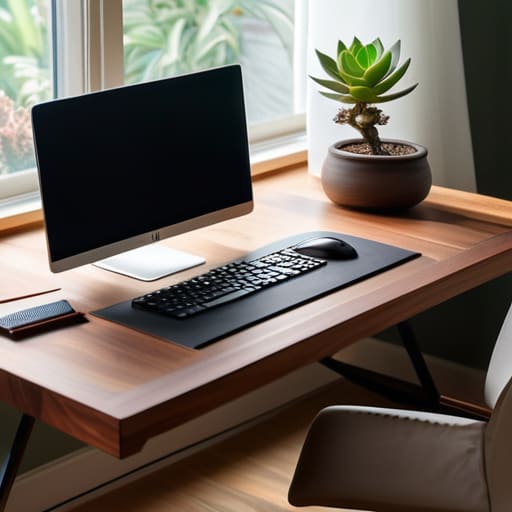
I spent most of my early twenties thinking that if I just bought the $800 ergonomic chair or the most expensive mechanical keyboard on the market, my focus would suddenly become unbreakable. I fell for the trap of thinking that a “professional setup” was something you purchased rather than something you engineered. The truth is, most of the advice you see online about how to build a productive workspace is just expensive noise designed to sell you more gear you don’t actually need. You don’t need a minimalist studio apartment to get things done; you just need to stop fighting your environment and start making it work for you.
I’m not here to sell you a lifestyle or a dream aesthetic. My goal is to give you the actual, unvarnished mechanics of a functional setup—the kind of small, systematic adjustments that actually reduce friction during a long workday. We’re going to look at lighting, cable management, and digital clutter through a pragmatic lens. I want to help you strip away the distractions so you can finally get into flow and stay there.
Table of Contents
Smart Ergonomic Office Setup Tips for Daily Ease
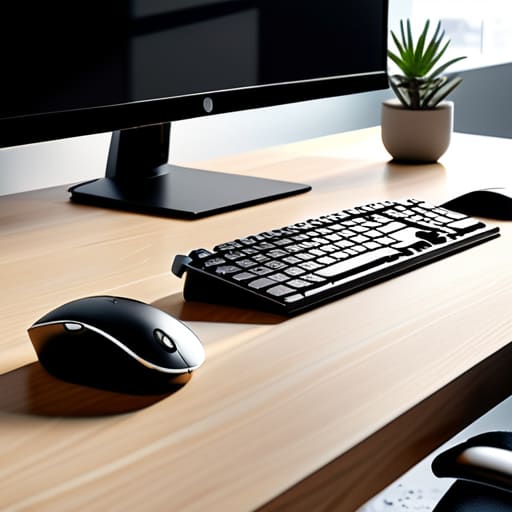
Most people treat their desk like a landing pad for whatever happens to be in their hands, but if you want to actually sustain focus, you have to treat it like a cockpit. I spent years dealing with nagging lower back pain and tension headaches before I realized my setup was working against me. When I talk about ergonomic office setup tips, I’m not just talking about buying a fancy chair; I’m talking about the geometry of your body. Your monitor should be at eye level so you aren’t perpetually hunching like a question mark, and your elbows should rest at a 90-degree angle. It sounds basic, but fixing your posture is the single most effective way to stop the mid-afternoon physical fatigue that kills my momentum.
Beyond the physical alignment, you need to manage your sensory environment. I’ve found that optimal lighting for focus is a game changer—aim for soft, indirect natural light rather than a harsh overhead bulb that turns your screen into a mirror. If you can, position your desk perpendicular to a window to reduce glare. Once the lighting is dialed in, look at your peripherals. Small additions, like a dedicated wrist rest or a monitor arm, can make the difference between a workspace that feels cramped and one that feels effortless to navigate.
Essential Desk Accessories for Focus and Flow
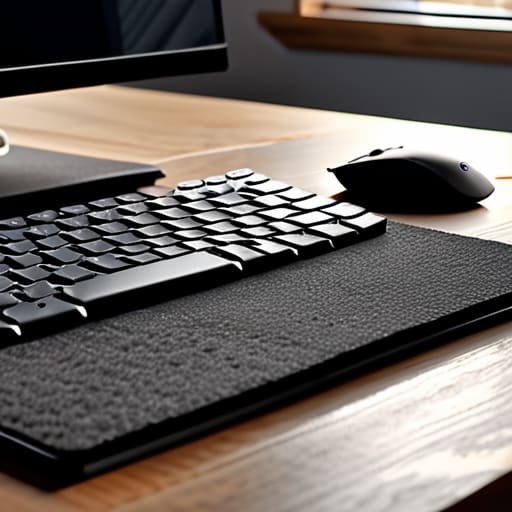
If you’re looking to upgrade your setup, don’t go overboard buying every gadget on a “must-have” list. I’ve learned the hard way that more gear often just means more clutter. Instead, focus on a few essential desk accessories for focus that actually serve a purpose. For me, a high-quality mechanical keyboard and a precision mouse are non-negotiable; they turn the tactile experience of working into something satisfying rather than a chore. I also swear by a large, felt desk mat. It does more than just look clean—it anchors your peripherals and provides a subtle dampening effect that makes the whole station feel more intentional.
Beyond the hardware, you need to address the sensory environment. One of my favorite workspace organization hacks is using a dedicated tray or a small riser for your phone. By physically moving your phone away from your immediate reach, you’re much more effective at minimizing desk distractions without needing massive willpower. Finally, don’t overlook your lighting. A well-placed task lamp can transform your ability to stay in the zone, providing the right kind of illumination to prevent eye strain during those long afternoon stretches. Keep it simple, keep it functional, and let the tools do the heavy lifting.
Systems, Not Just Stuff: 5 Ways to Minimize Friction
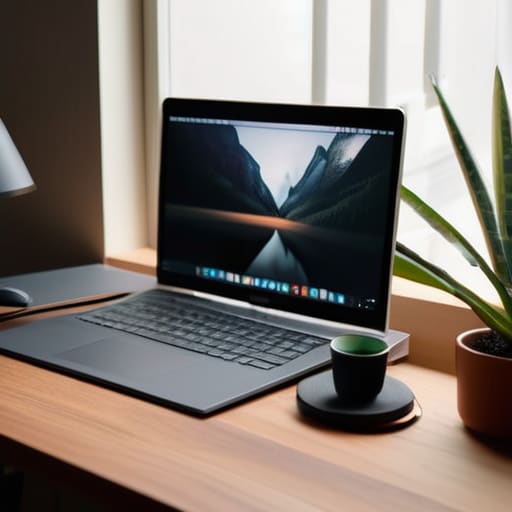
- Implement a “Shutdown Ritual” to clear your physical and digital desktop at the end of every day. I’ve found that walking into a workspace that’s already reset—no stray coffee mugs, no random sticky notes—makes starting the next morning significantly less daunting.
- Use the “Zone Method” to separate your tasks. Keep your immediate reach within the “Active Zone” (keyboard, mouse, notebook) and move everything else to a “Reference Zone” (books, files, printers). If you have to stand up or lean to grab it, it shouldn’t be cluttering your primary workspace.
- Audit your cable management once a month. It sounds tedious, but a “rat’s nest” of wires under your desk is more than just an eyesore; it’s a psychological distraction. Use Velcro ties or cable trays to keep the visual noise to an absolute minimum.
- Optimize your lighting for the time of day. Relying solely on harsh overhead lights is a recipe for a headache by 3:00 PM. I prefer a mix of natural light and a warm, adjustable desk lamp to help signal to my brain when it’s time to focus and when it’s time to wind down.
- Create a “Single-Tasking Station.” If your desk is where you also eat, pay bills, or scroll through your phone, your brain will struggle to enter deep work. Designate a specific spot—even if it’s just a specific coaster or a small desk mat—that signals: “When this is in front of me, we are working.”
The Philosophy of Flow
A workspace shouldn’t be a collection of expensive gadgets; it should be a frictionless environment where the tools disappear so the work can actually happen.
Nathaniel 'Nate' Brooks
The Bottom Line

At the end of the day, building a productive workspace isn’t about buying every gadget on a “must-have” list or creating a sterile, museum-quality desk setup. It’s about the intersection of ergonomics and intentionality. We’ve looked at how the right physical support prevents that mid-afternoon back ache, and how choosing the right accessories can eliminate the small, nagging frictions that break your concentration. Whether it’s optimizing your monitor height or curating a selection of tools that actually serve your workflow, the goal is to minimize the cognitive load required just to sit down and start working. When your environment is dialed in, you stop fighting your surroundings and start focusing on the task at hand.
I want to leave you with one thought: your workspace is a living system, not a finished project. It will change as your roles evolve, your tech upgrades, or your energy levels shift. Don’t feel like you have to get everything perfect by Monday morning. Instead, aim for incremental improvements—one small tweak to your lighting or one less piece of clutter on your desk. If you can shave off just a few seconds of frustration here and a few minutes of distraction there, you’ve already won. Stop chasing perfection and just start building a space that actually works for you.
Frequently Asked Questions
How much space do I actually need to stay productive without feeling cramped?
Look, you don’t need a dedicated home office suite to get things done, but you do need breathing room. I’ve learned the hard way that if your elbows are constantly hitting a wall or your coffee mug is fighting for territory with your mouse, your brain stays in “clutter mode.” Aim for a zone where you can move your arms freely without hitting anything. If you can’t clear your immediate surface at the end of the day, you’ve got too much gear and not enough space.
Is a standing desk worth the investment, or am I better off sticking to a high-quality ergonomic chair?
Look, if you’re choosing between one or the other, buy the chair. A top-tier ergonomic chair is a non-negotiable for your spine; it’s the foundation of your setup. A standing desk is a great tool for movement, but standing still for eight hours is just as bad as sitting still. My advice? Get the best chair you can afford first, then add a standing desk later once your budget allows for that extra layer of optimization.
How do I manage cable clutter so my desk doesn't look like a disaster zone?
Look, I’ve spent way too many hours untangling a “nest” of wires under my desk. It’s a mental drain you don’t need. Start with a cable management tray mounted under your desk—it’s a game changer for hiding power strips. Use Velcro ties (never plastic zip ties, they’re a nightmare to change) to bundle cords together. Finally, label both ends of every cable. It feels overkill until the day you actually need to swap a monitor.
What are some low-cost ways to improve my lighting if I'm working in a dark corner?
If you’re stuck in a dim corner, don’t go out and buy an expensive designer lamp. Start with a simple warm-white LED desk lamp—aim for something with adjustable brightness so you can dial it back when your eyes feel strained. I also swear by a cheap clip-on light for your monitor; it cuts down on that harsh screen glare. Lastly, if you can, reposition a small mirror to bounce whatever natural light exists toward your desk. It’s a tiny tweak, but it makes a massive difference in eye fatigue.